
Approval Steps
Determine required signatures and signing order on manufacturing records
Approval steps define the number and order of electronic signatures required to release produced inventory. Every BOM must have a Manufacturing approval step with at least one Role, and the Manufacturing approval step is always the first signature on a record.
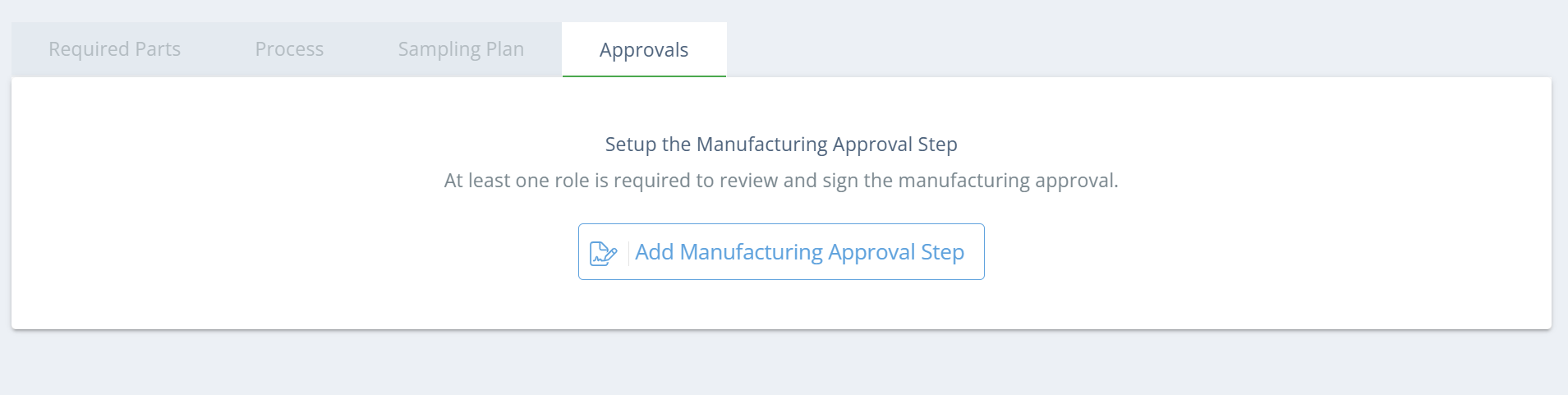
Screencap from v4.24.264.294
DataNinja will create an Assembly Build in NetSuite after the first signature on a manufacturing record, but the Work Order will remain open until the record is fully signed.
Adding a New Approval Step
When editing the BOM, go to the Approvals tab, and click "Add Approval Step". After you specify the approval name and the Role(s) that will need to sign, click save to store the approval settings. If multiple roles are selected on an approval step, all roles will have to sign the record.
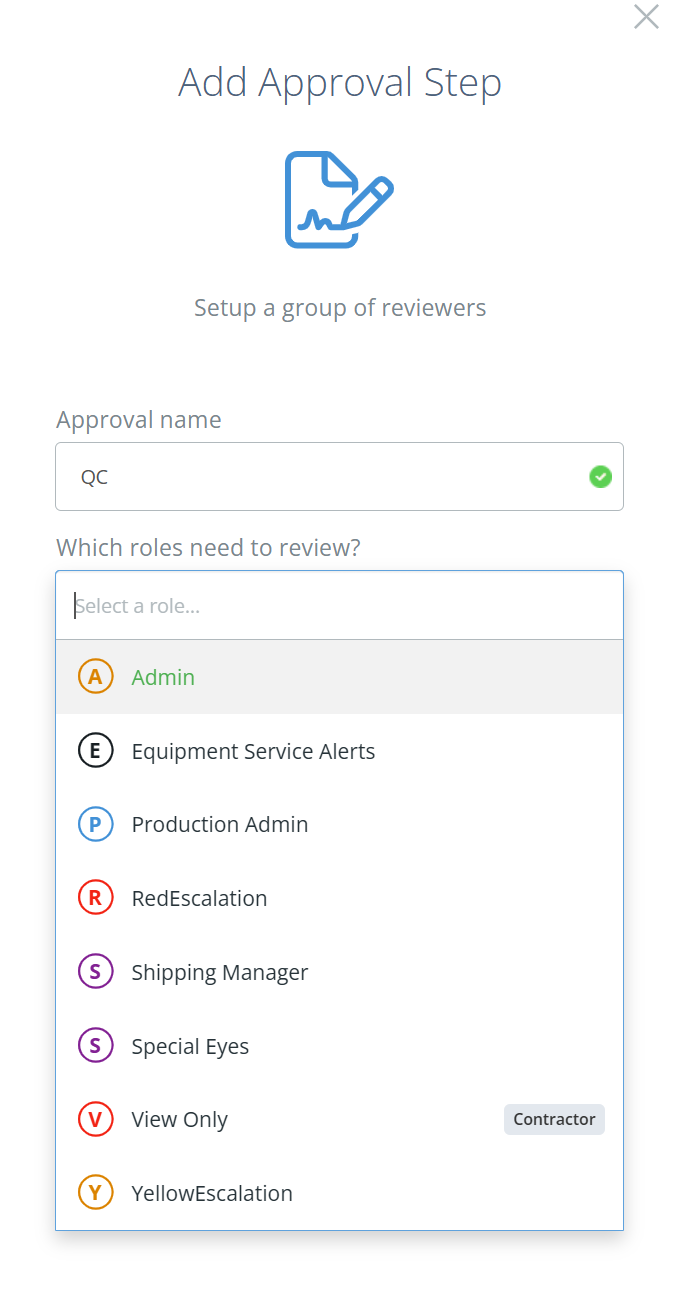
Screencap from v4.24.264.294
Escalations vs ApprovalsDataNinja will automatically create batch-specific escalations if something is outside determined boundaries during manufacturing, and these escalations are separate from approval steps. While you can always create a Quality approval step, keeping the number of approval steps low helps makes closing WIP records easier.
Review the Levels of Rigor in your Company Settings page, under Manufacturing to see what will trigger a Yellow or Red escalation.
Updated 3 months ago