
Printers
Getting started with your Hub, Label Printers, and printing labels via DataNinja
Español: Lee esta página en español.
Français : Consultez cette page en français.
To print labels from DataNinja, you will need at least 1 DataNinja Hub, a label printer, and a network connection. We strongly recommend the use of ethernet-connected printers for easy setup and reliable label printing.
Zebra label printers are strongly recommended.
Printers and Hub Must be on the Same NetworkIn order for your Hub to send label prints to your printer(s), they must be on the same Wi-Fi, network, or subnet. Your IT person can help ensure this is the case.
What does the DataNinja Hub do?
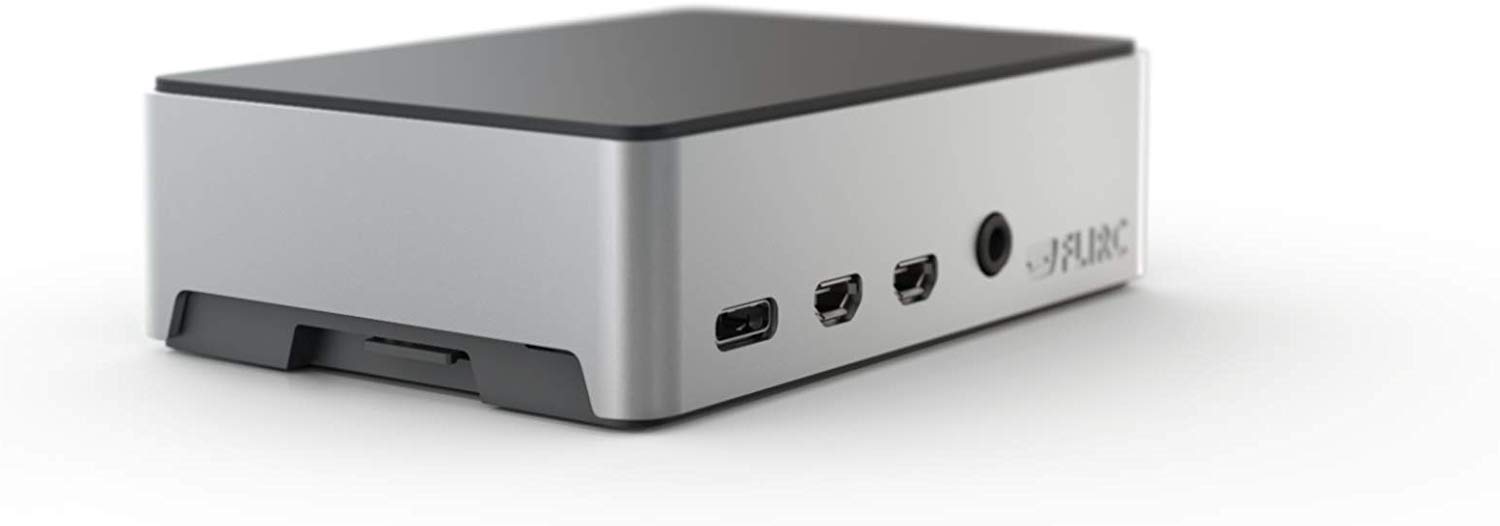
The Hub's purpose is to communicate with DataNinja and ask for print jobs from the cloud. Through the IP address listed in DataNinja, the Hub sends a print job to the specified printer.
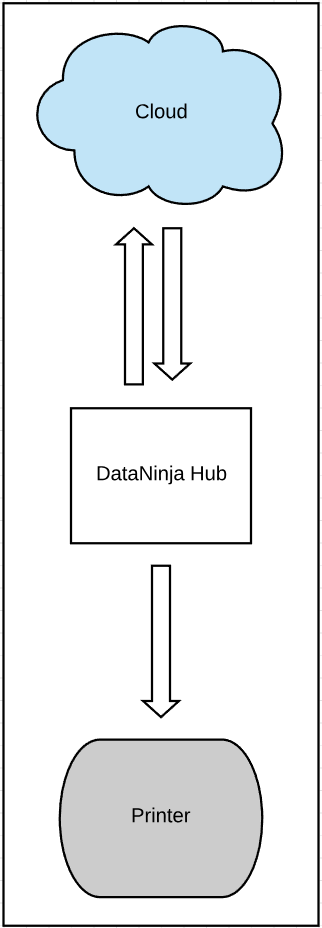
Order a DataNinja HubTo order a DataNinja Hub, open a chat with us and ask for a member of our Support Team. You can view pricing for the Hub here.
DHCP Reservations
For Label Printers:
DataNinja needs to have an up-to-date IP address for each label printer. Setting up a DHCP Reservation or a Static IP will save time and avoid potential issues.
For DataNinja Hubs:
This appliance does NOT require a DHCP reservation. It acts only as a proxy for cloud-based printing to LAN printers. The only requirements for the HUB to function properly are:
- Access to the internet (via Ethernet cable).
- Be on a routable subnet.
- Be able to reach the label printer(s).
Updated about 1 month ago