
Company Settings
Control how DataNinja manages your company
Every company has it's own way of handling inventory and processes. In addition to specific settings on parts, BOMs, orders, etc., DataNinja offers broad settings for receiving, shipping, and more.
To get started, click on the gear icon in the top right, then click "Company Settings".
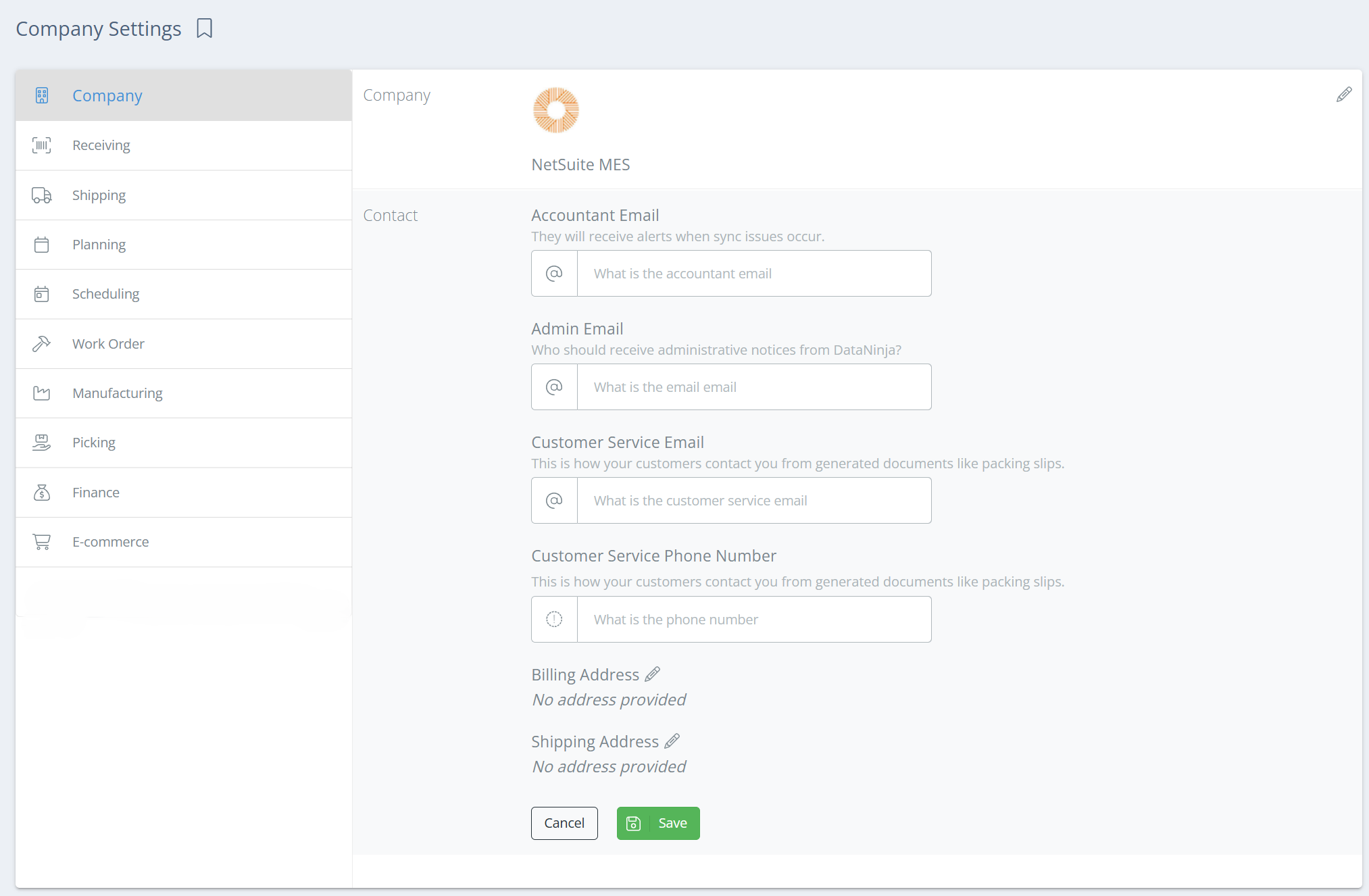
Company
The Company tab is where you'll put your business information- company name, contact information, logo (this will need to uploaded by our Implementation team, so open a chat with us if you want to update your logo), physical address, etc. Just click on the section you want to update, or click on the pencil icon to the right, and the fields that can be changed will appear. Be sure to hit "Save" once you're done!
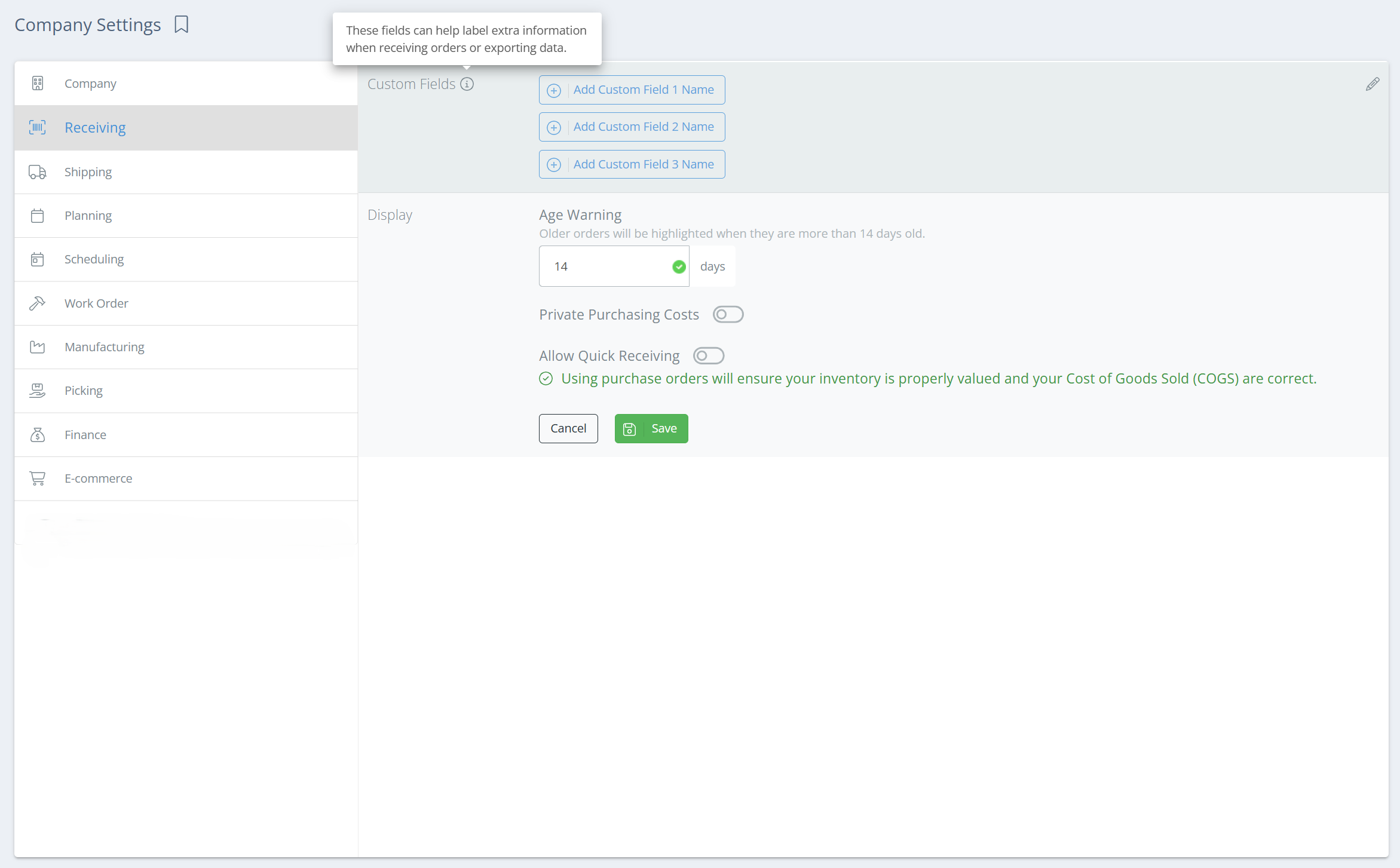
Receiving
Under the Receiving tab, you can create custom fields (for receiving), and
Updated 4 months ago